Find the work you left running.
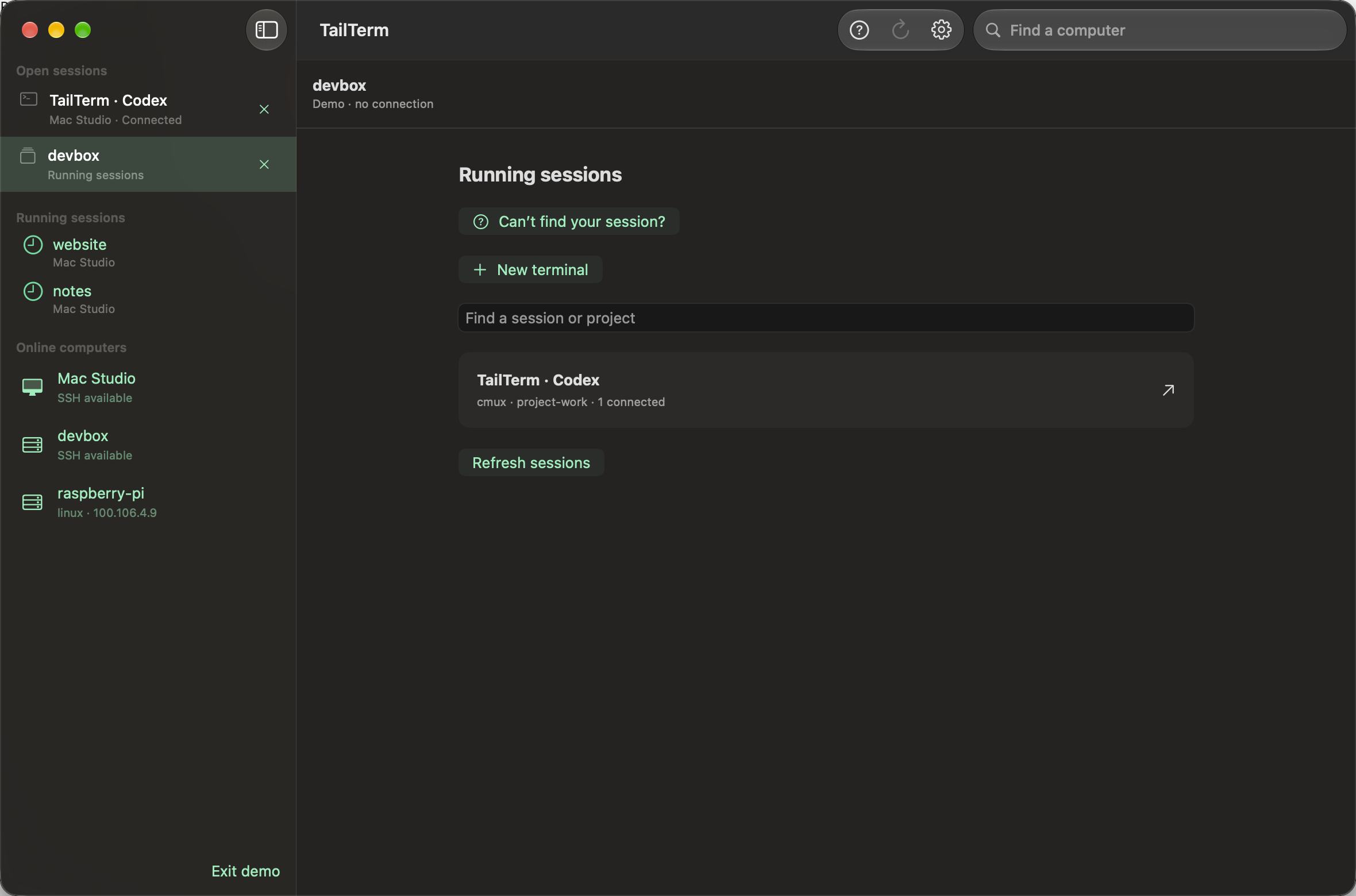
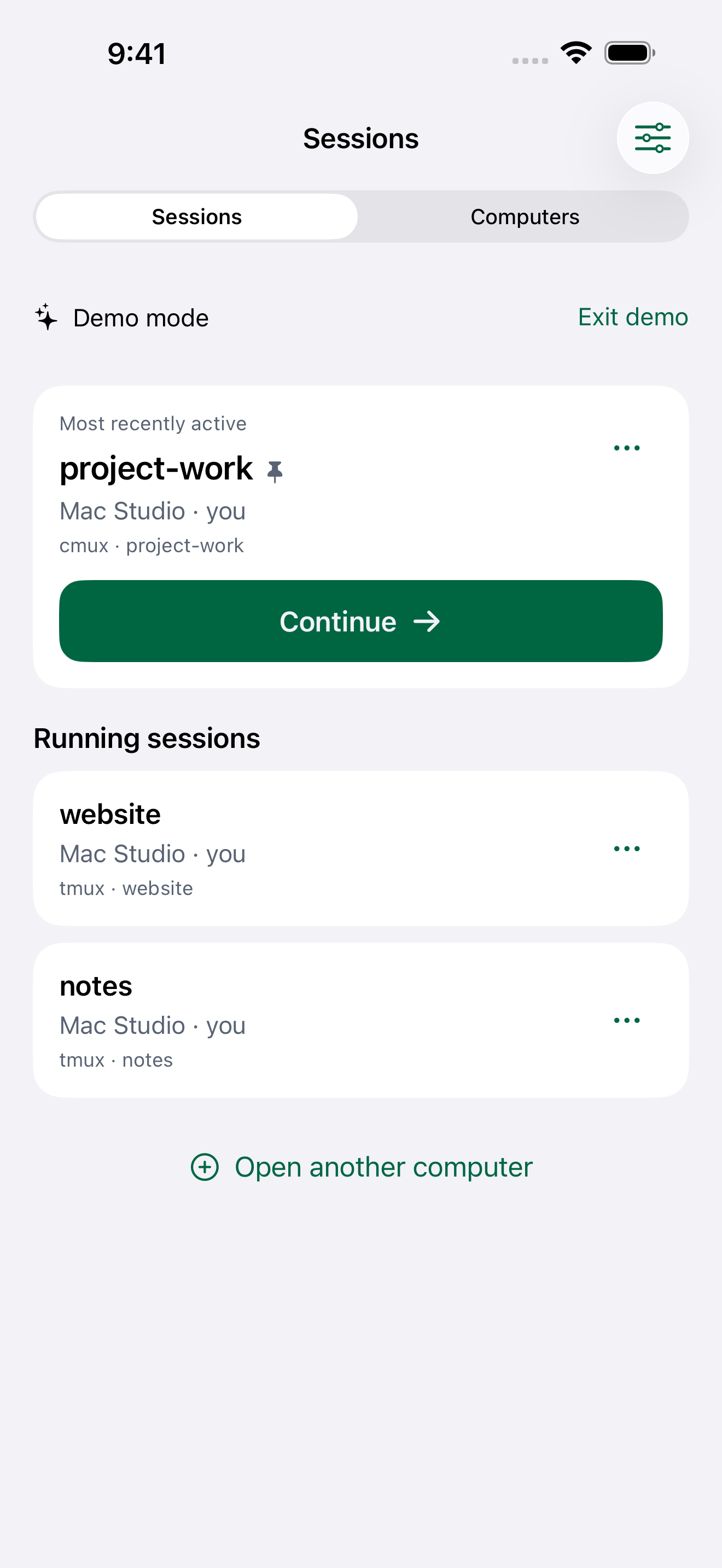
See running tmux sessions, including sessions on cmux’s private server. Pick the exact session you want to return to.
 TailTerm0.3
Pick up a running session. Check on your code.
Keep going from your iPhone, iPad or Mac.
LESS SETUP BETWEEN YOU AND YOUR WORK
See running tmux sessions, including sessions on cmux’s private server. Pick the exact session you want to return to.
Touch controls on iPhone. Room to work on iPad. Independent tabs on Mac. Search, select and copy without leaving your terminal.
Paste an image to upload it to your computer. On Mac, drop files too. TailTerm inserts the remote path and leaves you in control of when to send.
A LITTLE CLOSER
Keep your computers and running work close, with a sidebar built for both.

Search, select, paste and upload files without leaving your terminal.

Connect your Tailscale network and choose how to sign in to your computers.
Find your running sessions and return to the one you need.

Your familiar command line, with controls made for touch.

Find a computer on your network and choose where to work.

Esc, Ctrl, Tab and arrow keys, right above the keyboard.

Search terminal output and move straight to a matching line.

Keep your computers beside the terminal, or hide the sidebar to spread out.

Browse shared work and choose the session you want to continue.

Find a computer on your network and choose where to work.

Esc, Ctrl, Tab and arrow keys, right above the keyboard.

Search terminal output and move straight to a matching line.
Actual app screens · Demo sessions and setup · No private conversations.
YOUR CONNECTION. YOUR CONTROL.
SSH goes directly to the computer you choose. Credentials stay in your device’s Keychain. No ads, no app analytics, and no TailTerm terminal-recording service.
Read the privacy policyBEFORE YOU CONNECT
The official Tailscale app connected to your network, a computer with SSH enabled, and permission to access it. The App Store apps use your own Tailscale OAuth client with device-read permission to find computers. See setup help.
Shared tmux sessions run on your remote computer. TailTerm can reconnect to that existing session. Install tmux there to use persistent sessions; a temporary shell does not offer the same persistence.
Yes. Connect to a shared terminal where your command-line tools already run. TailTerm is the terminal client; your tools, their accounts and their processing remain on the remote computer.
Yes. TailTerm 0.3.0 is planned as a free release on the App Store for iPhone, iPad and Mac. It is not available for download yet.
No. TailTerm is an independent app by Tomas Cupr. It is not affiliated with or endorsed by Tailscale.
TailTerm 0.3.0 · Free for iPhone, iPad and Mac.
Coming soon to the App Store